
Opanuj Stylize i Sref w Midjourney dla Spójnego Stylu
Midjourney AI Team · 23 lipca 2026 · 6 min read
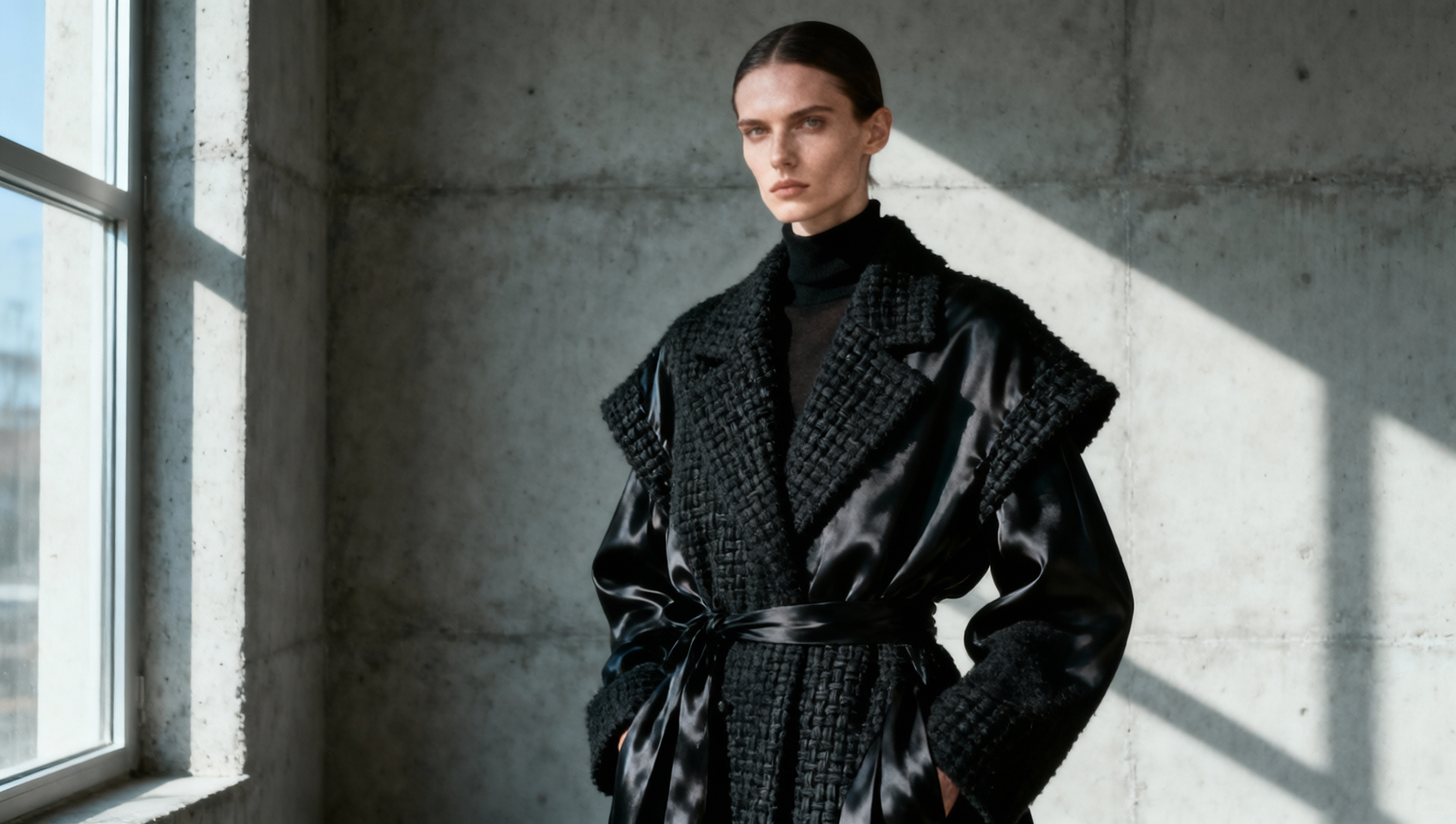
Ustalanie Sygnatury Wizualnej w Generatywnym AI
Spójność to największe wyzwanie w profesjonalnej produkcji sztuki AI. Stworzenie pojedynczej, oszałamiającej grafiki jest trywialne; wygenerowanie serii assetów, które wyglądają, jakby należały do tej samej marki, projektu lub uniwersum, to moment, w którym większość workflow zawodzi. Midjourney oferuje dwa konkretne mechanizmy, aby to rozwiązać: parametr --stylize oraz parametr --sref (Style Reference).
Zrozumienie różnicy między interpretacją estetyczną a bezpośrednim kopiowaniem stylu jest kluczowe. --stylize kontroluje, ile artystycznej swobody model może sobie pozwolić względem Twojego promptu, podczas gdy --sref kotwiczy generację do wizualnych cech istniejącego obrazu. Używane razem w MidassAI Studio, narzędzia te pozwalają zakodować język wizualny, zamiast zgadywać go przy każdym nowym prompcie.
Dla Kogo Jest Ten Poradnik
Ten poradnik jest przeznaczony dla projektantów brandu, artystów konceptowych i twórców treści, którzy muszą utrzymać wizualną spójność across multiple assets. Jeśli budujesz prezentację, książkę obrazkową lub kampanię marketingową, gdzie palety kolorów, oświetlenie i tekstura muszą pozostać stabilne, ten workflow jest niezbędny. Nie jest przeznaczony dla użytkowników szukających losowych wariacji lub jednorazowej sztuki eksperymentalnej.
Dekodowanie Parametru Stylize
Parametr --stylize (lub --s) wpływa na to, jak mocno Midjourney aplicuje swoje wewnętrzne treningi estetyczne do Twojego promptu. Wartość ranges from 0 to 1000, przy czym domyślna ustawiona jest zazwyczaj wokół 100, w zależności od wersji modelu.
Niska wartość stylize (np. --s 50) zmusza model do ścisłego trzymania się literalnych komponentów Twojego promptu. Otrzymasz dokładnie to, o co poprosiłeś, ale obraz może brakować artystycznego sznytu lub kompozycyjnego piękna. Jest utylitarny.
Wysoka wartość stylize (np. --s 750) przyzwala modelowi na priorytetowe traktowanie piękna i kompozycji ponad dokładność promptu. Kolory będą bardziej żywe, oświetlenie bardziej dramatyczne, a tekstury bardziej dopracowane. Jednak ryzykujesz utratę konkretnych细节 requested in the text prompt.
Dla prac brandowych, optymalny zakres często leży między 250 a 400. Ten zakres zapewnia wystarczający polski, by wyglądać profesjonalnie, nie oddalając się tak bardzo od promptu, by stracić kontrolę nad tematem. Przy używaniu modeli --v 7 lub nowszych, domyślna stylizacja jest często wyższa, więc możesz potrzebować explicitnie ją obniżyć, aby utrzymać ścisłe adherence do kształtów produktu lub logo.
Kotwiczenie Estetyki za Pomocą Style Reference
Podczas gdy --stylize ajustuje intensywność artystyczności, --sref definiuje typ artystyczności. Ten parametr accepts an image URL as an input. Midjourney analizuje paletę kolorów, medium, styl oświetlenia i ogólny nastrój obrazu referencyjnego i aplikuje te cechy do Twojej nowej generacji.
Aby użyć tego skutecznie, musisz curate swoje obrazy referencyjne carefully. Obraz referencyjny cluttered z multiple subjects will confuse the model. Najlepsze style references są clean, focused on texture and lighting, i devoid of specific subject matter you do not want to copy.
Na przykład, jeśli chcesz look claymation, nie używaj reference image of a specific clay character. Instead, use a close-up texture shot of clay lighting. To separates the style from the content.
Łącząc --sref z --stylize, interakcja staje się powerful. Wysoka wartość --s combined with a strong --sref can create highly polished variations that feel like they were rendered in the same engine. Możesz chain multiple style references by adding multiple --sref URLs, allowing you to blend the lighting of one image with the color palette of another.
Budowanie Powtarzalnego Workflow
Spójność wymaga dokumentacji. Nie rely on memory for parameter values. When you achieve a look that matches your brand guidelines, save the full prompt string including all parameters.
- Generuj Style Bazowe: Stwórz 10–20 wariacji neutralnego subject using different
--srefURLs. - Wybierz Kotwicę: Wybierz generation that best matches your target aesthetic.
- Zablokuj Parametry: Zanotuj
--svalue and the--srefURL used. - Zastosuj do Nowych Obiektów: Użyj locked parameters on new prompts with different subjects.
W MidassAI Studio, możesz save these parameter sets as presets. To eliminates the need to re-type long URLs or remember specific integer values for every session. It ensures that every member of your team is generating assets within the same visual guardrails.
Quick Takeaways
Typowe Błędy i Korekty
Nawet z tymi narzędziami, errors occur. The most common issue is "style bleed," where the subject matter of the reference image leaks into the new generation. If you use a photo of a cat as a style reference for a car, the resulting car might have fur texture or feline features.
Aby to naprawić, ensure your style reference is abstract or textural. Use the --no parameter to explicitly exclude unwanted elements if they persist. Another frequent error is over-stylization. Setting --s 1000 often results in images that look beautiful but bear little resemblance to the prompt. If your product shape is distorting, lower the stylize value immediately.
Conflict between parameters can also arise. Using --style raw alongside a very high --stylize value can create unpredictable results because --style raw attempts to reduce the model's default aesthetic bias, while high stylize increases it. Test these combinations in isolation before committing them to a production pipeline.
Rozszerzanie Stylu na Różne Media
Podczas gdy Midjourney focuses on static image generation, the assets you create serve as the foundation for broader AI workflows. The visual fingerprint you establish using --sref and --stylize defines the look for AI video upscaling, motion graphics, and even album art for AI music projects.
W multimodalnym studio environment like MidassAI, the image generation step is often the first domino. A consistent style sheet generated in Midjourney ensures that when you move to video interpolation or audio visualization, the source material remains coherent. Do not treat image generation as an isolated task. View it as the creation of the style guide for all subsequent media production.
Narzędzia integrujące te workflow allow you to take a Midjourney generation and immediately pass it into video or editing modules without losing metadata or style context. This continuity is what separates amateur experimentation from professional production.
Finalizacja Silnika Stylu
Opanowanie --stylize and --sref transforms Midjourney from a random idea generator into a controlled design engine. It requires iteration and testing, but the payoff is a reusable library of visual assets that maintain brand integrity. Stop prompting for luck and start prompting for precision.
Aby usprawnić ten process and manage your style presets efficiently, utilize a dedicated studio environment. You can test these workflows immediately with access to the latest models and parameter controls.