
55 ключевых слов Midjourney для качественных генераций
Midjourney AI Team · 23 июля 2026 г. · 6 min read
Создание личной библиотеки визуальных модификаторов
Генерация стабильных, высокодетализированных изображений в Midjourney часто зависит от словарного запаса. Многие пользователи полагаются на базовые описания объектов, полностью доверяя эстетическое качество стандартной интерпретации модели. Чтобы контролировать финальный результат, вам нужен curated список модификаторов, определяющих стиль, среду и текстуру. Это руководство собирает 55 essential keywords, categorized для практического использования, помогая перейти от случайных генераций к intentional design.
Для кого это руководство
Этот ресурс предназначен для цифровых художников, маркетинговых креаторов и энтузиастов, которые прошли фазу novelty phase генерации ИИ. Если вы расстроены нестабильными стилями или flat-looking renders, этот список предоставляет лексические инструменты для enforcing specific visual languages. Это особенно полезно для тех, кто управляет бренд-активами, где поддержание cohesive look across multiple images is critical.
Подбор модификаторов художественного стиля
Первый слой контроля involves defining the artistic movement or visual era. Эти keywords shift the model's weights toward specific historical or contemporary aesthetics. При использовании paired them with --style raw, чтобы reduce Midjourney's default beautification filters, allowing the style to remain authentic.
Классика и изобразительное искусство
- Impasto
- Chiaroscuro
- Ukiyo-e
- Art Nouveau
- Bauhaus
- Surrealism
- Cubism
- Baroque
- Rococo
- Minimalism
Современное и цифровое 11. Cyberpunk 12. Synthwave 13. Vaporwave 14. Steampunk 15. Biomechanical 16. Low Poly 17. Voxel Art 18. Glitch Art 19. Neo-Noir 20. Flat Design
Использование термина like --style raw alongside "Bauhaus" ensures geometric precision rather than a loose interpretation. Например, используйте следующую структуру промпта: /imagine prompt: modern chair design, Bauhaus, functional --style raw --v 7 yields stricter adherence to the design philosophy than omitting the raw parameter.
Определение живописных медиа и материалов
Specifying the physical medium changes how light interacts with the subject in the generated image. Это crucial for adding tangible текстуру и качество to digital outputs. Эти keywords tell the renderer whether to simulate paint thickness, paper grain, or digital smoothness.
Традиционные медиа 21. Oil on Canvas 22. Watercolor Wash 23. Charcoal Sketch 24. Ink Linework 25. Acrylic Pour 26. Pastel Drawing 27. Gouache 28. Fresco 29. Encaustic 30. Sumi-e
Цифровые и смешанные медиа 31. 3D Render 32. Octane Render 33. Unreal Engine 5 34. Digital Painting 35. Concept Art 36. Matte Painting 37. Vector Illustration 38. Pixel Art 39. Collage 40. Photobash
When combining media keywords, order matters. Placing "Oil on Canvas" at the beginning of the prompt often weights it heavier than placing it at the end. For complex workflows, managing these variations is easier when you can save prompt presets. Вы можете попробовать сохранить эти вариации в MidassAI Studio для Midjourney, чтобы streamline your iteration process without losing context between sessions.
Улучшение текстуры и глубины фона
A common pitfall in AI generation is the "plastic" look, where subjects feel disconnected from their environment. Texture keywords ground the image, while background modifiers control the depth of field and atmospheric perspective.
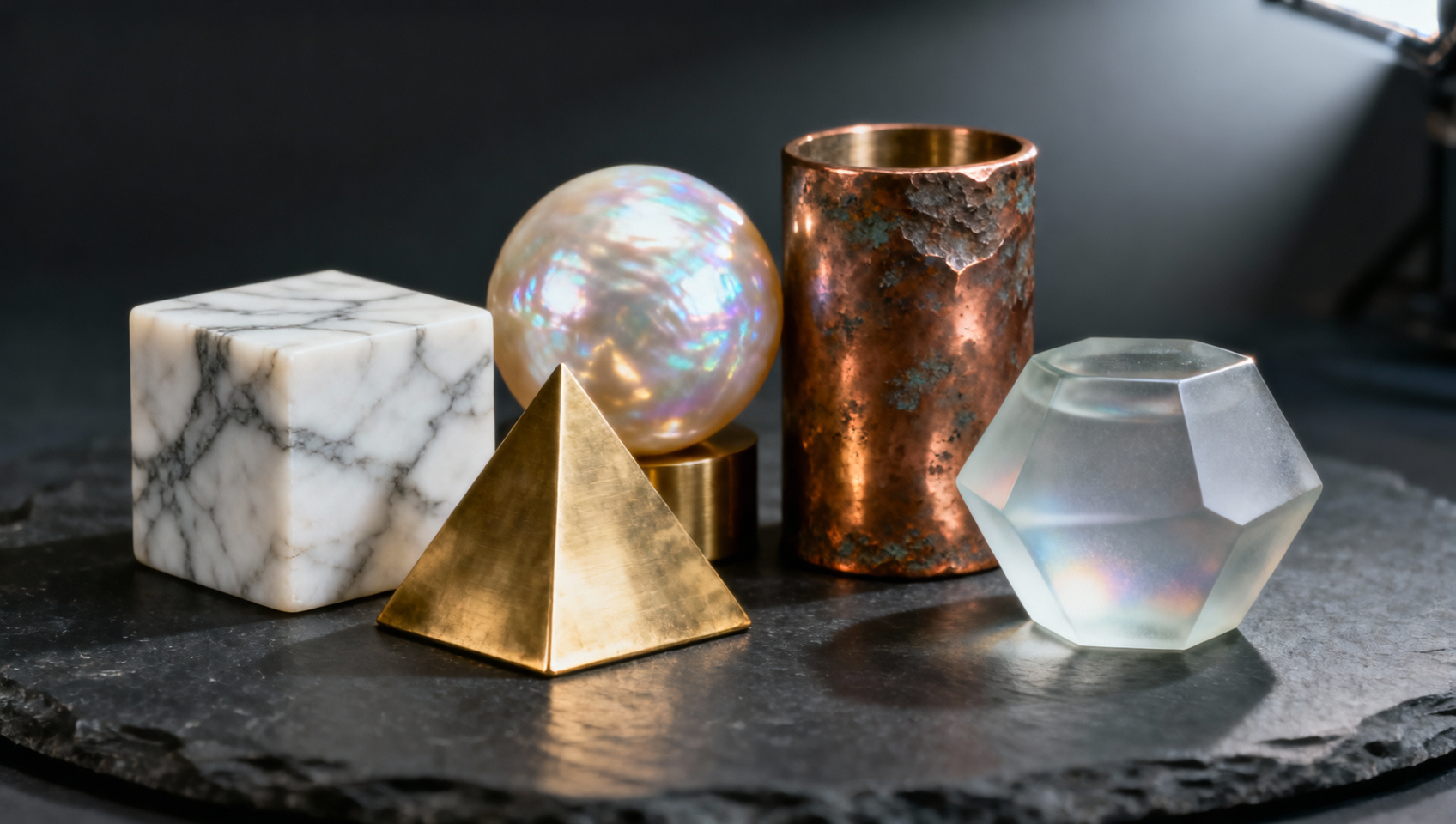
Текстуры поверхности 41. Rough Concrete 42. Polished Marble 43. Distressed Wood 44. Brushed Metal 45. Frosted Glass 46. Velvet Fabric 47. Cracked Earth 48. Wet Pavement 49. Oxidized Copper 50. Translucent Skin
Атмосфера и фон 51. Bokeh 52. Volumetric Lighting 53. Deep Depth of Field 54. Isometric View 55. Aerial Perspective
Applying "Volumetric Lighting" alongside "Bokeh" creates a cinematic separation between the subject and the background. Эта комбинация particularly effective for portrait work or product photography simulations. To maintain aspect consistency across a campaign, append --ar 16:9 for widescreen or --ar 4:5 for social media portraits.
Интеграция параметров для консистентности
Keywords alone are not enough; they must be structured within a robust prompt framework. The latest model versions respond well to clear segmentation. A effective structure follows: [Subject] + [Action/Context] + [Style Keywords] + [Media Keywords] + [Parameters].
Consider the difference between a generic prompt and a structured one:
- Обычный:
A cat sitting on a wall - Структурированный:
A cat sitting on a wall, Neo-Noir, Ink Linework, Rough Concrete, Volumetric Lighting --ar 3:2 --style raw --v 7
The structured prompt yields a specific mood and texture, whereas the generic prompt relies on randomization. Additionally, use --sref (Style Reference) when you have an existing image that matches your desired keyword combination. Это locks the aesthetic while allowing you to change the subject matter. For character consistency across different scenes, --cref (Character Reference) is essential, ensuring your subject remains recognizable despite changes in background or lighting keywords.
Quick Takeaways
Избегание распространенных ошибок в промптах
Even with a robust vocabulary, errors occur. One frequent issue is keyword stuffing. Adding too many modifiers can confuse the model, resulting in muddy visuals where no single style dominates. Stick to three or four strong descriptors rather than ten vague ones. For instance, combining "Oil on Canvas," "Watercolor," and "Pixel Art" in a single prompt creates conflicting instructions about the medium.
Another pitfall is ignoring lighting conditions. Keywords like "Chiaroscuro" imply specific high-contrast lighting. If you pair this with "Flat Design," which typically avoids shading, the model struggles to reconcile the contradiction. Ensure your style, media, and lighting keywords are compatible.
Finally, versioning matters. Keywords that worked in v5 might behave differently in v7. Always test your core keyword combinations when a new model drops. Keep a log of which combinations yield the best results for your specific use case. Этот эмпирический подход beats guessing every time you generate.
Итоговые мысли об инженерии промптов
Mastering Midjourney is less about finding a magic string of text and more about understanding how language maps to visual concepts. By collecting and categorizing these 55 keywords, you build a reusable toolkit that accelerates your creative process. The goal is reproducibility; you want to know that when you type "Impasto," you will get thick paint texture every time.
For those looking to streamline this workflow further, organizing these prompts within a dedicated environment saves time. Вы можете экспериментировать с этими комбинациями ключевых слов directly in a structured interface. Попробуйте Midjourney в MidassAI Studio, чтобы manage your prompt libraries and generate high-fidelity assets efficiently.