
Midjourney Prompt गाइड: Avatar-Style Concept Sketches ट्यूटोरियल
Midjourney AI Team · 23 जुलाई 2026 · 9 min read
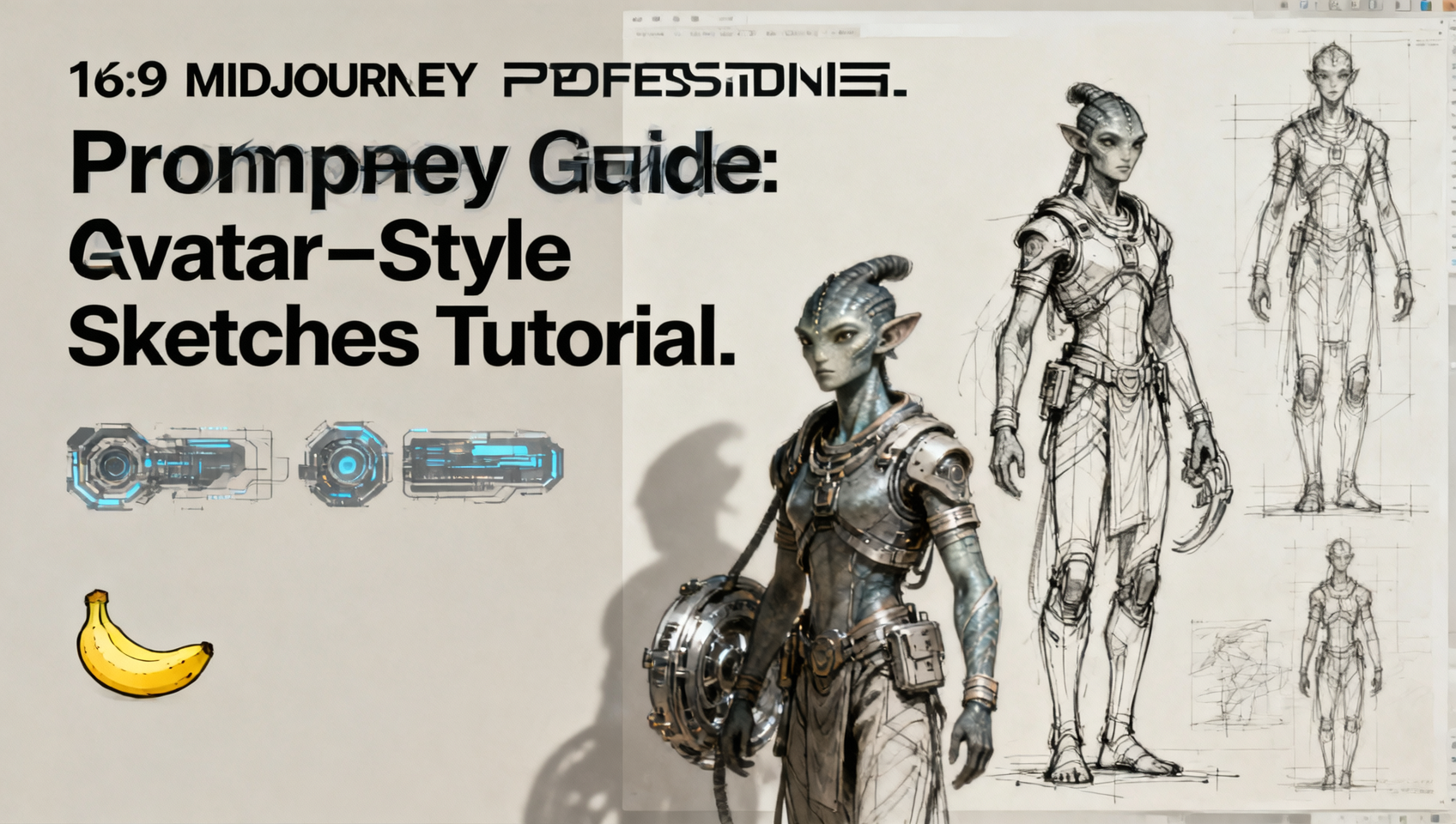
Midjourney के साथ Cinematic Concept Art बनाना
कॉन्सेप्ट आर्ट अमूर्त विचारों और ठोस प्रोडक्शन एसेट्स के बीच की खाई को पाटता है। जब आप Avatar में दिखाई देने वाली बायोलुमिनेसेंट, ऑर्गेनिक तकनीक जैसे विशिष्ट सौंदर्य शास्त्र का लक्ष्य रखते हैं, तो सामान्य prompts विफल हो जाते हैं। आपको lighting, texture और composition में सटीकता की आवश्यकता है। Midjourney v7 प्रोफेशनल-ग्रेड concept sketches के लिए आवश्यक fidelity प्रदान करता है, लेकिन केवल तभी जब आप विशिष्ट parameters और stylistic descriptors का उपयोग करके मॉडल को निर्देशित करना जानते हों।
यह गाइड आठ अलग-अलग prompt structures को विस्तार से बताती है जो high-fidelity character और environment concepts जनरेट करने के लिए डिज़ाइन किए गए हैं। हम बुनियादी विवरणों से आगे बढ़कर तकनीकी निर्देशों की ओर बढ़ते हैं जो render engines, lighting models और material definitions को नियंत्रित करते हैं। चाहे आप किसी गेम के लिए prototyping कर रहे हों या portfolio बना रहे हों, ये workflows सुसंगत आउटपुट के लिए एक दोहराने योग्य ढांचा प्रदान करते हैं।
यह गाइड किसके लिए है
यह ट्यूटोरियल concept artists, indie game developers और visual storytellers को लक्षित करता है जिन्हें बिना गुणवत्ता की कुरबानी दिए तेज़ी से iteration की आवश्यकता है। यह पेशेवर AI art generation के पीछे की mechanics को समझने चाहने वाले शौकीनों के लिए भी उपयुक्त है। यदि आप यादृच्छिक परिणामों से थक चुके हैं और अपनी generations के mood, material और camera logic को निर्देशित करना चाहते हैं, तो यह workflow आपके लिए है।
Avatar-Style Aesthetics के लिए Core Prompt Structures
निम्नलिखित आठ prompt categories ऑर्गेनिक character design से लेकर hard-surface industrial mechanics तक के स्पेक्ट्रम को कवर करती हैं। प्रत्येक उदाहरण में aspect ratio consistency और stylistic adherence सुनिश्चित करने के लिए विशिष्ट Midjourney parameters शामिल हैं।
01. Futuristic Lighting और Cybernetics
यह शैली biology और technology के intersection पर केंद्रित है। यहाँ कुंजी external lighting के बजाय anatomy के हिस्से के रूप में light sources को निर्दिष्ट करना है।
यहाँ prompt का उदाहरण दिया गया है:
/imagine prompt: Na'vi cybernetic interface, bioluminescent neural nodes, futuristic lighting rig, dark background, volumetric fog --ar 16:9 --v 7 --style raw --s 250
--style raw का उपयोग करने से Midjourney का डिफ़ॉल्ट aesthetic bias कम हो जाता है, जिससे "bioluminescent" descriptor मॉडल की standard sci-fi tropes पर internal training के बजाय color palette को संचालित कर सकता है।
02. Cinematic CG: Deep Sea Shaman
spiritual या natural elements पर आधारित characters के लिए, हम subsurface scattering और organic textures की ओर बढ़ते हैं।
इस शैली के लिए prompt इस प्रकार है:
/imagine prompt: Deep sea shaman character concept, translucent skin, organic armor made of coral, cinematic CG render, octane render, subsurface scattering --ar 3:4 --v 7 --q 2
--q 2 parameter render time को थोड़ा बढ़ाता है लेकिन translucent materials पर light interaction की quality में सुधार करता है, जो underwater या spirit-like aesthetics के लिए महत्वपूर्ण है।
03. Cinematic CG: Dynamic Archer
Action poses के लिए clear silhouette definition की आवश्यकता होती है। हम musculature और equipment में dynamic tension को प्राथमिकता देते हैं।
नीचे दिया गया prompt उपयोग करें:
/imagine prompt: Tribal archer in motion, tension in bowstring, kinetic energy, detailed fabric physics, cinematic depth of field, bokeh --ar 16:9 --v 7 --chaos 10
--chaos 10 जोड़ने से pose और camera angle में विविधता आती है, जिससे हर बार generation में archer एक जैसा नहीं दिखता।
04. Iridescent Ink और Spirituality
यह दृष्टिकोण traditional media textures को sci-fi subjects के साथ मिलाता है। यह lore books या stylized cutscenes के लिए उपयुक्त hand-painted look बनाता है।
इस look को प्राप्त करने के लिए:
/imagine prompt: Spirit walker concept, iridescent ink wash style, watercolor texture, glowing ethereal edges, white background, concept art --ar 3:4 --v 7 --style raw
"ink wash" और "glowing edges" का संयोजन मॉडल को conflicting textures को सुलझाने के लिए मजबूर करता है, जिसके परिणामस्वरूप अक्सर character spirits की अनोखी, artistic interpretations मिलती हैं।
05. Industrial Design और Hard Surface
equipment या vehicles डिज़ाइन करते समय, function की clarity सर्वोपरि होती है। हम ऐसे keywords का उपयोग करते हैं जो art के बजाय engineering का संकेत देते हैं।
Industrial design के लिए prompt:
/imagine prompt: Alien industrial equipment, hard surface modeling, functional design, wear and tear, grease stains, orthographic view --ar 16:9 --v 7 --style raw
"Orthographic view" यहाँ एक महत्वपूर्ण keyword है। यह perspective को flatten करने का प्रयास करता है, जिससे design को बाद में 3D modeling के लिए समझना आसान हो जाता है।
06. Mechanical Sketches और Blueprints
early-stage ideation के लिए, आपको full renders के बजाय lines और structure चाहिए होते हैं।
Blueprint style के लिए:
/imagine prompt: Mech suit blueprint, technical sketch, white lines on blue background, annotations, schematic view, detailed joints --ar 16:9 --v 7
यह prompt line work के पक्ष में lighting और texture को दबा देता है। यह character के exosuit की mechanical logic को स्थापित करने के लिए आदर्श है।
07. Minimalist Light Sculpture
कभी-कभी detail के मुकाबले form अधिक महत्वपूर्ण होता है। यह शैली silhouette और lighting interaction पर ध्यान केंद्रित करने के लिए noise को हटा देती है।
Minimalist style के लिए prompt:
/imagine prompt: Abstract character form, light sculpture, minimal geometry, rim lighting, dark void, high contrast --ar 1:1 --v 7 --style raw
square aspect ratio (--ar 1:1) का उपयोग composition को केंद्र में केंद्रित करता है, जबकि "rim lighting" interior details को clutter किए बिना edges को परिभाषित करता है।
08. Cinematic Fantasy Environment
Characters निर्वात में मौजूद नहीं होते। Environment prompts आपके character concepts के लिए मंच तैयार करते हैं।
Environment बनाने के लिए:
/imagine prompt: Pandora-like jungle environment, floating mountains, bioluminescent plants, atmospheric perspective, cinematic wide shot --ar 16:9 --v 7 --q 2
distant elements को blur किए बिना complex foliage और atmospheric depth को resolve करने के लिए high quality (--q 2) यहाँ आवश्यक है।
Prompt Engineering Essentials
MidassAI Studio में Workflows को एकीकृत करना
Image जनरेट करना केवल पहला कदम है। इन assets को manage करने के लिए एक structured environment की आवश्यकता होती है। MidassAI Studio बिना हर बार Discord commands manually typed किए Midjourney workflows को run करने के लिए एक unified interface प्रदान करता है। आप इन prompt structures को templates के रूप में save कर सकते हैं, जिससे आपकी team अलग-अलग projects में consistency बनाए रख सकती है।
Studio के भीतर काम करते समय, आप --sref (style reference) parameter का अधिक प्रभावी ढंग से लाभ उठा सकते हैं। एक बार जब आप category 02 या 03 में कोई character style generate कर लेते हैं जो आपको पसंद है, तो image URL को copy करें और subsequent generations के लिए इसे style reference के रूप में उपयोग करें। यह सुनिश्चित करता है कि आपके Shaman और Archer एक ही universe से belonging लगें।
style reference का उपयोग इस प्रकार करें:
/imagine prompt: [New Character] --sref [URL of approved style] --v 7production pipelines के लिए यह consistency महत्वपूर्ण है। MidassAI Studio में, आप इन generations को projects में organize कर सकते हैं, उन्हें asset type के अनुसार tag कर सकते हैं, और review के लिए सीधे export कर सकते हैं। प्लेटफ़ॉर्म multimodal expansions का भी समर्थन करता है, जिसका अर्थ है कि एक बार आपका concept art approve हो जाने के बाद, आप AI Video या AI Music tools का पता लगा सकते हैं ताकि आपने जो static concepts अभी generate किए हैं, उनके आधार पर pitch reels या animatics बना सकें।
अपने आउटपुट को परिष्कृत करना
precise prompts के बावजूद, पहली generation शायद ही कभी perfection पर hits होती है। पूरी image को regenerate किए बिना hand anatomy या weapon geometry जैसे विशिष्ट details को fix करने के लिए Midjourney में Vary (Region) tool का उपयोग करें। यदि lighting बहुत flat लगती है, तो अपने prompt modifier में "volumetric lighting" या "god rays" जोड़ें।
याद रखें कि Midjourney v7 natural language को अच्छी तरह से respond करता है लेकिन parameters का strictly respect करता है। critical parameters को लंबे वाक्य के अंत में न छुपाएं। अपने prompt string के अंत में --ar, --v, और --style को distinct रखें।
अपने Concept Production को स्केल करना
आठ अलग-अलग visual styles को तेज़ी से prototype करने की क्षमता आपको stakeholders को जल्दी options present करने देती है। एक single character को model करने में दिन बिताने के बजाय, आप एक घंटे में "Industrial Design" style की twenty variations generate कर सकते हैं, top three का चयन कर सकते हैं, और केवल उन winners के लिए high-fidelity modeling की ओर बढ़ सकते हैं।
यह efficiency artist को replace नहीं करती; यह उनकी decision-making speed को amplify करती है। आप lighting, composition और mood के director बने रहते हैं। AI rendering का heavy lifting handle करता है। इन prompt structures को master करके, आप अच्छे result की उम्मीद करने से विशिष्ट outcome को engineer करने की ओर बढ़ते हैं।
अपनी Concept Library बनाना शुरू करें
क्या आप इन prompts को production-ready environment में implement करने के लिए तैयार हैं? disjointed interfaces में copy और paste करना बंद करें। iterative creative work के लिए डिज़ाइन किए गए studio का उपयोग करें।
MidassAI Studio में Midjourney आज़माएं इन workflows को access करने, अपने prompt templates को save करने और अपनी asset library को एक ही जगह पर manage करने के लिए। चाहे आप अगला sci-fi epic डिज़ाइन कर रहे हों या character skins पर iteration कर रहे हों, सही tools एक random generation और एक production asset के बीच का अंतर बनाते हैं।