
55 Keyword Midjourney Essenziali per Immagini AI
Midjourney AI Team · 23 luglio 2026 · 6 min read
Costruire una Libreria Personale di Modificatori Visivi
Generare immagini coerenti e ad alta fedeltà in Midjourney spesso dipende dal vocabolario. Molti utenti si affidano a descrizioni basiche del soggetto, lasciando la qualità estetica interamente all'interpretazione predefinita del modello. Per ottenere il controllo sul risultato finale, hai bisogno di una lista curata di modificatori che dettino stile, medium e texture. Questa guida raccoglie 55 keyword essenziali categorizzate per un uso pratico, aiutandoti a passare da generazioni casuali a un design intenzionale.
A Chi è Rivolto
Questa risorsa è progettata per artisti digitali, creativi del marketing e appassionati che hanno superato la fase di novità della generazione AI. Se sei frustrato da stili incoerenti o render dall'aspetto piatto, questa lista fornisce gli strumenti lessicali per imporre linguaggi visivi specifici. È particolarmente utile per chi gestisce asset di brand dove mantenere un look coerente across multiple images è critico.
Selezione di Modificatori di Stile Artistico
Il primo livello di controllo involves defining the artistic movement or visual era. These keywords shift the model's weights toward specific historical or contemporary aesthetics. When using these, pair them with --style raw to reduce Midjourney's default beautification filters, allowing the style to remain authentic.
Arte Classica e Belle Arti
- Impasto
- Chiaroscuro
- Ukiyo-e
- Art Nouveau
- Bauhaus
- Surrealism
- Cubism
- Baroque
- Rococo
- Minimalism
Moderno e Digitale 11. Cyberpunk 12. Synthwave 13. Vaporwave 14. Steampunk 15. Biomechanical 16. Low Poly 17. Voxel Art 18. Glitch Art 19. Neo-Noir 20. Flat Design
Usare un termine come --style raw alongside "Bauhaus" ensures geometric precision rather than a loose interpretation. Ad esempio, un prompt strutturato come:
/imagine prompt: modern chair design, Bauhaus, functional --style raw --v 7
yield stricter adherence to the design philosophy than omitting the raw parameter.
Definizione di Media e Materiali Pittorici
Specifying the physical medium changes how light interacts with the subject in the generated image. This is crucial for adding tangible tattilità (texture/qualità) to digital outputs. These keywords tell the renderer whether to simulate paint thickness, paper grain, or digital smoothness.
Media Tradizionali 21. Oil on Canvas 22. Watercolor Wash 23. Charcoal Sketch 24. Ink Linework 25. Acrylic Pour 26. Pastel Drawing 27. Gouache 28. Fresco 29. Encaustic 30. Sumi-e
Digital e Mixed Media 31. 3D Render 32. Octane Render 33. Unreal Engine 5 34. Digital Painting 35. Concept Art 36. Matte Painting 37. Vector Illustration 38. Pixel Art 39. Collage 40. Photobash
When combining media keywords, order matters. Placing "Oil on Canvas" at the beginning of the prompt often weights it heavier than placing it at the end. For complex workflows, managing these variations is easier when you can save prompt presets. You can try saving these variations in MidassAI Studio Midjourney to streamline your iteration process without losing context between sessions.
Migliorare Texture e Profondità dello Sfondo
A common pitfall in AI generation is the "plastic" look, where subjects feel disconnected from their environment. Texture keywords ground the image, while background modifiers control the depth of field and atmospheric perspective.
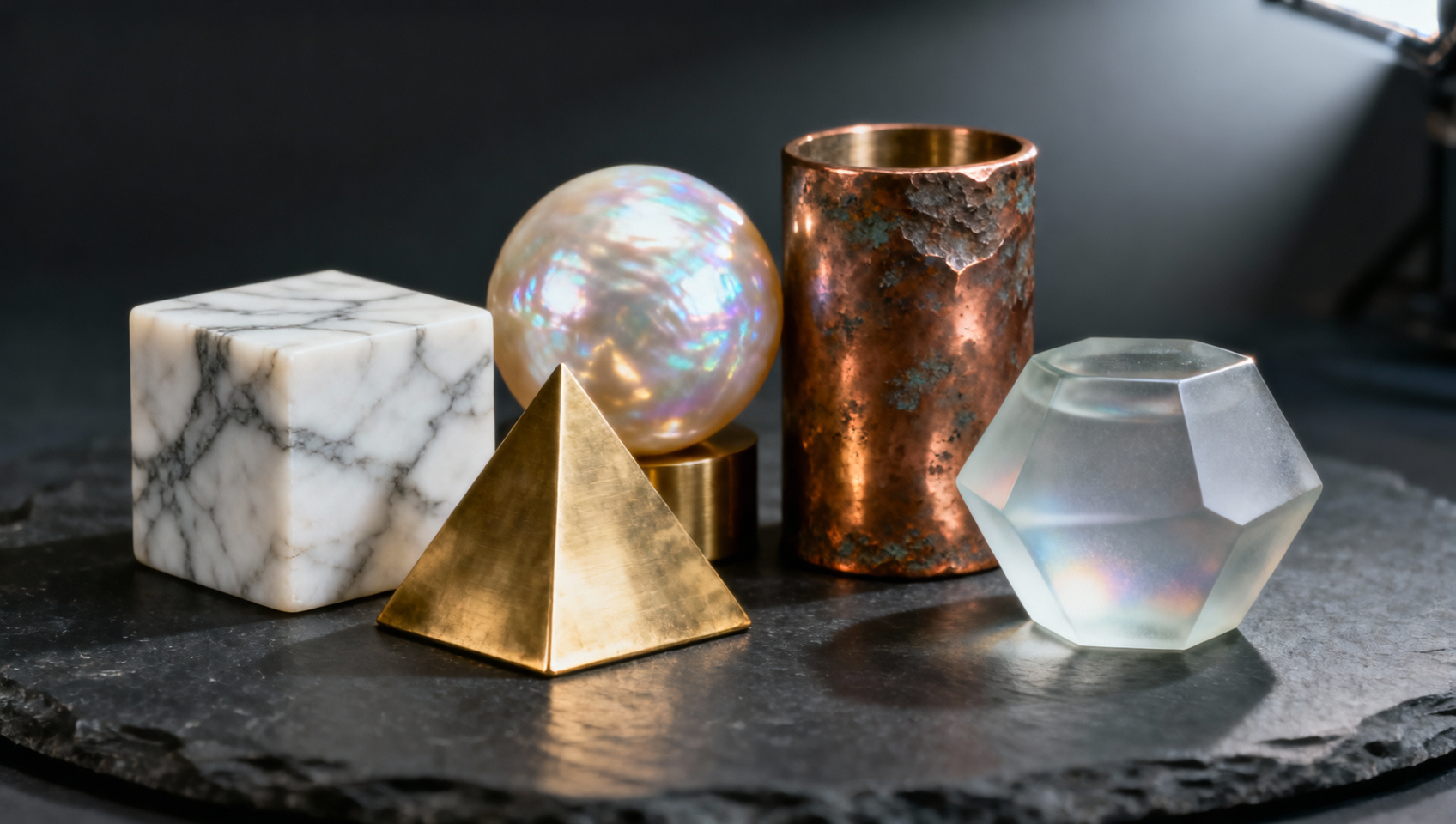
Texture di Superficie 41. Rough Concrete 42. Polished Marble 43. Distressed Wood 44. Brushed Metal 45. Frosted Glass 46. Velvet Fabric 47. Cracked Earth 48. Wet Pavement 49. Oxidized Copper 50. Translucent Skin
Atmosferico e Sfondo 51. Bokeh 52. Volumetric Lighting 53. Deep Depth of Field 54. Isometric View 55. Aerial Perspective
Applying "Volumetric Lighting" alongside "Bokeh" creates a cinematic separation between the subject and the background. This combination is particularly effective for portrait work or product photography simulations. To maintain aspect consistency across a campaign, append --ar 16:9 for widescreen or --ar 4:5 for social media portraits.
Integrare Parametri per la Coerenza
Keywords alone are not enough; they must be structured within a robust prompt framework. The latest model versions respond well to clear segmentation. A effective structure follows: [Subject] + [Action/Context] + [Style Keywords] + [Media Keywords] + [Parameters].
Considera la differenza tra un prompt generico e uno strutturato:
- Generico:
A cat sitting on a wall - Strutturato:
A cat sitting on a wall, Neo-Noir, Ink Linework, Rough Concrete, Volumetric Lighting --ar 3:2 --style raw --v 7
The structured prompt yields a specific mood and texture, whereas the generic prompt relies on randomization. Additionally, use --sref (Style Reference) when you have an existing image that matches your desired keyword combination. This locks the aesthetic while allowing you to change the subject matter. For character consistency across different scenes, --cref (Character Reference) is essential, ensuring your subject remains recognizable despite changes in background or lighting keywords.
Quick Takeaways
Evitare Errori Comuni nei Prompt
Even with a robust vocabulary, errors occur. One frequent issue is keyword stuffing. Adding too many modifiers can confuse the model, resulting in muddy visuals where no single style dominates. Stick to three or four strong descriptors rather than ten vague ones. For instance, combining "Oil on Canvas," "Watercolor," and "Pixel Art" in a single prompt creates conflicting instructions about the medium.
Another pitfall is ignoring lighting conditions. Keywords like "Chiaroscuro" imply specific high-contrast lighting. If you pair this with "Flat Design," which typically avoids shading, the model struggles to reconcile the contradiction. Ensure your style, media, and lighting keywords are compatible.
Finally, versioning matters. Keywords that worked in v5 might behave differently in v7. Always test your core keyword combinations when a new model drops. Keep a log of which combinations yield the best results for your specific use case. This empirical approach beats guessing every time you generate.
Considerazioni Finali sull'Ingegneria dei Prompt
Mastering Midjourney is less about finding a magic string of text and more about understanding how language maps to visual concepts. By collecting and categorizing these 55 keywords, you build a reusable toolkit that accelerates your creative process. The goal is reproducibility; you want to know that when you type "Impasto," you will get thick paint texture every time.
For those looking to streamline this workflow further, organizing these prompts within a dedicated environment saves time. You can experiment with these keyword combinations directly in a structured interface. Try Midjourney in MidassAI Studio to manage your prompt libraries and generate high-fidelity assets efficiently.