

Midjourney AI · Prompt Guides
AI Image Generation & Editing In Your Browser
Write /imagine prompts with --ar, --style raw, and --v 7. Learn sref and cref workflows — open MidassAI Studio and generate in seconds.
Works in browser Style & character refs Commercial use info
Creators use Midjourney prompts for editorial portraits, product heroes, and stylized concept art on MidassAI Studio.
Prompt atelier / 01
 01
01  02
02  03
03 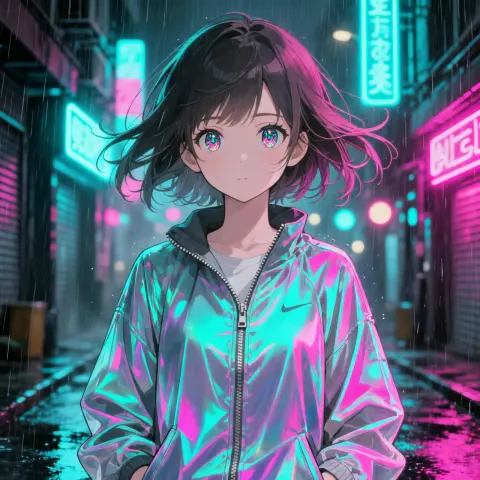 04
04 Generating
/imagine fashion editorial portrait of a woman in a linen trench coat, amber side key light, soft catchlights, visible skin tex…
What you can create
Four Creative Lanes
Pick a workflow — portrait, concept art, product heroes, or stylized characters — then copy a ready-made prompt.

Concept art
Cinematic environments, mood boards, and story-driven visuals.
View prompt →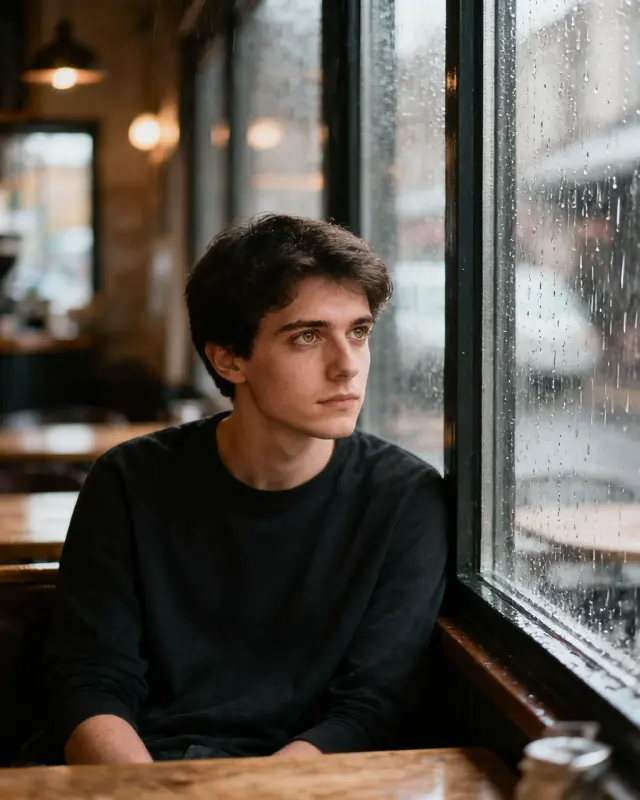
Editorial portrait
Fashion lighting, skin texture, and Style Raw realism.
View prompt →
Product & brand
Clean hero shots and lifestyle composites for ads.
View prompt →
Character & Niji
Anime and stylized characters with consistent faces.
View prompt →Core workflow
Text-to-image with /imagine
Describe the scene in natural language, add parameters, and iterate in MidassAI Studio — no Discord required.
- Natural-language prompts with --ar, --style raw, and --v 7
- Upload references for style (--sref) or character (--cref) consistency
- Download results and refine with follow-up prompts
Live prompt
/imagine cottagecore morning in a wildflower meadow, linen dress figure walking a dirt path, soft golden haze, analog warmth, pastoral photography --ar 3:4 --style raw --v 7
Prompt craft
Prompts & parameters
The flags that change framing, realism, and consistency — copy an example and adjust one parameter at a time.
--ar 3:4 Aspect ratio
Portrait, landscape, or square framing
--style raw Style Raw
Photoreal tier with finer texture
--sref URL Style reference
Anchor look & color from a reference image
--cref URL Character reference
Lock face and outfit across shots
--v 7 Model version
Default V7 quality baseline

Cottagecore Meadow Morning
Soft morning light over a wildflower meadow.
/imagine cottagecore morning in a wildflower meadow, linen dress figure walking a dirt path, soft golden haze, analog warmth, pastoral photography --ar 3:4 --style raw --v 7
Why Midjourney AI
Built for prompt-first creators
Prompt-first
/imagine workflow with copy-ready examples on every page.
Style Raw · V7
Photoreal tier for editorial portraits and product heroes.
sref & cref
Style and character references for repeatable looks.
Browser Studio
24 Studio UI languages — generate without a separate install.
Gallery
Midjourney prompt showcase
Copy a workflow below and paste it into Studio — each example includes parameters you can tweak.


Learn
From First Prompt to Pro Workflow
Follow numbered tutorials, then dive into prompt guides on the blog.
Tutorial path
Browse all tutorials →- 01
미드저니 단계별 가이드: 명령어 및 고화질 이미지 생성
미드저니 완전 튜토리얼로 마스터하세요. 로그인, 프롬프트, 파라미터, 편집법을 배우고 웹과 디스코드에서 스튜디오급 AI 이미지를 만들어보세요.
- 02
미드저니 스타일 & 키워드 치트시트 – 55+ 프롬프트 가이드
아트 스타일, 미디어, 텍스처 치트시트로 미드저니 프롬프트를 마스터하세요. 일관된 AI 아트 생성을 위해 키워드를 자유롭게 조합해 보세요.
- 03
미드저니 프롬프트 가이드 기초: 설명에서 걸작까지
/imagine 구조, 가중치, 네거티브 프롬프트를 마스터하세요. 미다스 AI 스튜디오에서 미드저니 V7 워크플로우를 빠르게 학습하십시오.
- 04
미드저니 Stylize 와 Sref 로 일관된 스타일 마스터하기
스타일라이즈와 스타일 참조 파라미터로 미드저니의 스타일 강도와 미학적 앵커를 제어하여 재사용 가능한 시각적 아이덴티티를 구축하세요.
- 05
미드저니 인페인팅과 아웃페인팅 마스터하기: 단계별 가이드
미드저니 영역 변형 및 아웃페인팅 전략으로 미완성 이미지를 효율적으로 최종 완성본으로 만드세요.
Latest guides
Browse all posts →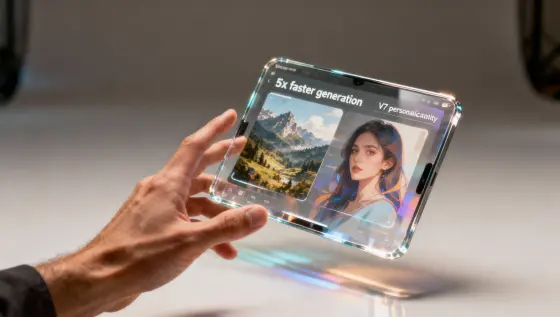
미드저니 V8 출시: 5 배 빠른 생성 속도와 V7 개인화 유지
미드저니 V8 출시로 이미지 생성 속도가 5 배 빨라졌습니다. V7 개인화 기능도 호환되며, 주요 업데이트 내용과 프롬프트 활용법, 워크플로우 전환 가이드를 확인하세요.
Midjourney AI Team · 2026년 7월 23일
미드저니 V7 오픈 베타 출시: 접근 방법 및 가이드
미드저니 V7 오픈 베타 접근법, 디스코드 및 웹 사용법, 프롬프트 키워드 퀵스타트 가이드. 테스팅 기간 동안의 주요 주의사항을 확인하세요.
Midjourney AI Team · 2026년 7월 23일
핵심 AI 아트 도구: 미드저니 vs 소라
미드저니와 소라의 기술적 비교: 역할, 워크플로우, 프롬프트 및 프로젝트에 적합한 도구 선택 가이드.
Midjourney AI Team · 2026년 7월 23일
MidassAI Studio
Start Creating in Your Browser
Open Midjourney Studio — upload references, paste prompts, and download results without a separate install.
From $9/month · Browser-based · 24 Studio UI languages
Start Creating NowCommon Questions
Quick answers before your first Midjourney session
What is Midjourney?
Midjourney is a text-to-image workflow built around /imagine prompts, style parameters, and reference images — run it in MidassAI Studio from your browser.
How do I start creating?
Click Start Creating Now — MidassAI Studio Midjourney opens in your locale. Paste a prompt or upload a reference; no separate app install.
Which languages are supported?
Studio UI supports major locales. This site ships copy in 24 languages; prompt examples on the homepage use English, Simplified Chinese, or Traditional Chinese.
What is Midjourney Pro?
Pro is the higher tier for sharper text, stronger consistency, and larger output — use it when you need commercial-grade refinement.
Is this an official Midjourney site?
No. We publish independent guides and link you to MidassAI Studio. For Midjourney’s official product, visit midjourney.com.