
Pre-V9 Profile and Asset Audit: 30-Minute Checklist
Midjourney AI Team · November 12, 2026 · 5 min read
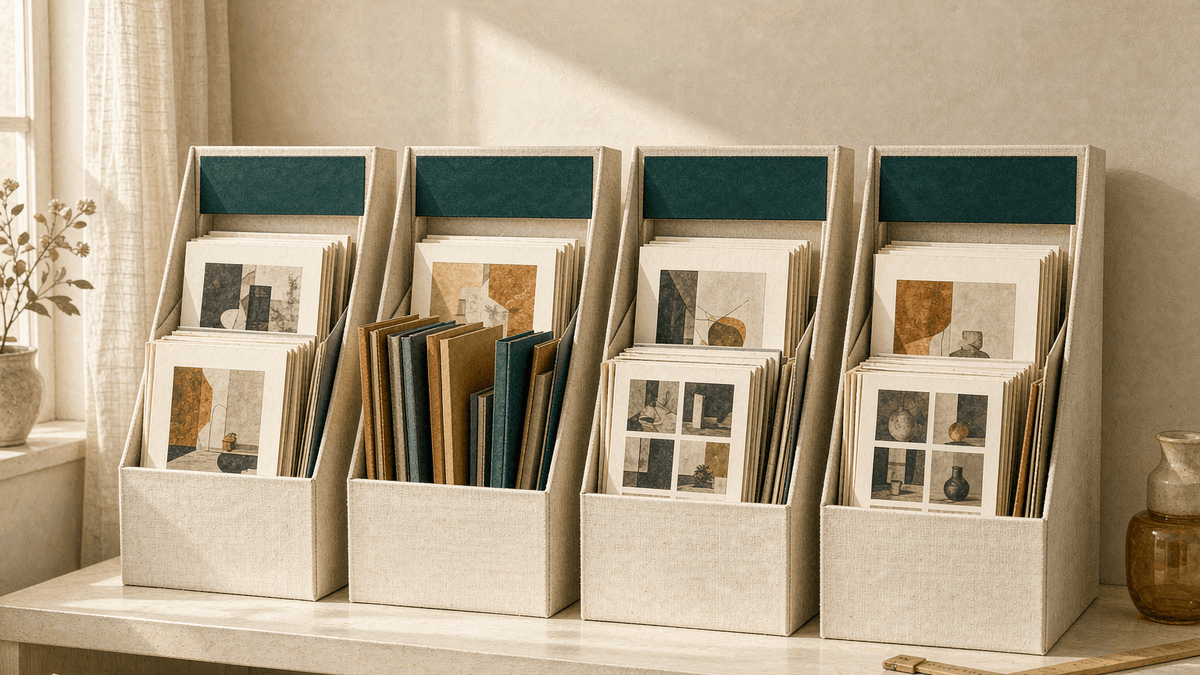
When a new Midjourney version lands, the teams that lose the least time are not the ones that tested it first. They are the ones that knew exactly which assets they had before the switch. With a V9 release evaluation targeted before the end of 2026, this is the moment for a 30-minute audit of four asset classes: personalization profiles, moodboards and style references, edit presets, and proven prompts. Nothing in this checklist assumes V9 compatibility with anything — every claim about the new model stays open until the docs say otherwise.
Audit at a glance
The four asset classes
1. Personalization profiles. Your profile encodes taste from rated images, and V8.2 already improved the pool behind profile building, so profiles created recently are worth keeping current. Inventory: how many profiles exist, which one is active, and which project each belongs to. Prune dead ones — an unloved profile is noise on switching day. For profile mechanics, see personalization on V8.
2. Moodboards and style references. Boards and --sref picks are your reproducible style layer. Inventory each board's purpose in one line ("lamp campaign, matte ceramics") and note which sref codes recur across winning prompts. On the Edit-era stack, Midjourney has noted that moodboards and srefs often need extra prompt direction, so record the pairing phrase you use, not just the code.
3. Edit bases and instruction presets. If you followed the Edit-first advice, you have hero frames with named instruction presets. Inventory: which heroes are client-approved, which presets live in Studio folders versus chat history, and which instruction phrases produced clean one-variable changes. Presets buried in Discord history are effectively lost assets — this audit is when they get rescued.
4. Proven prompts. Prompts that survived contact with real briefs. Inventory the top ten per project with their settings and model version. A prompt that only worked on V8.2 is still valuable — as a baseline for judging whatever comes next.

The 30-minute flow
Work in this order, because pruning before recording keeps the record short:
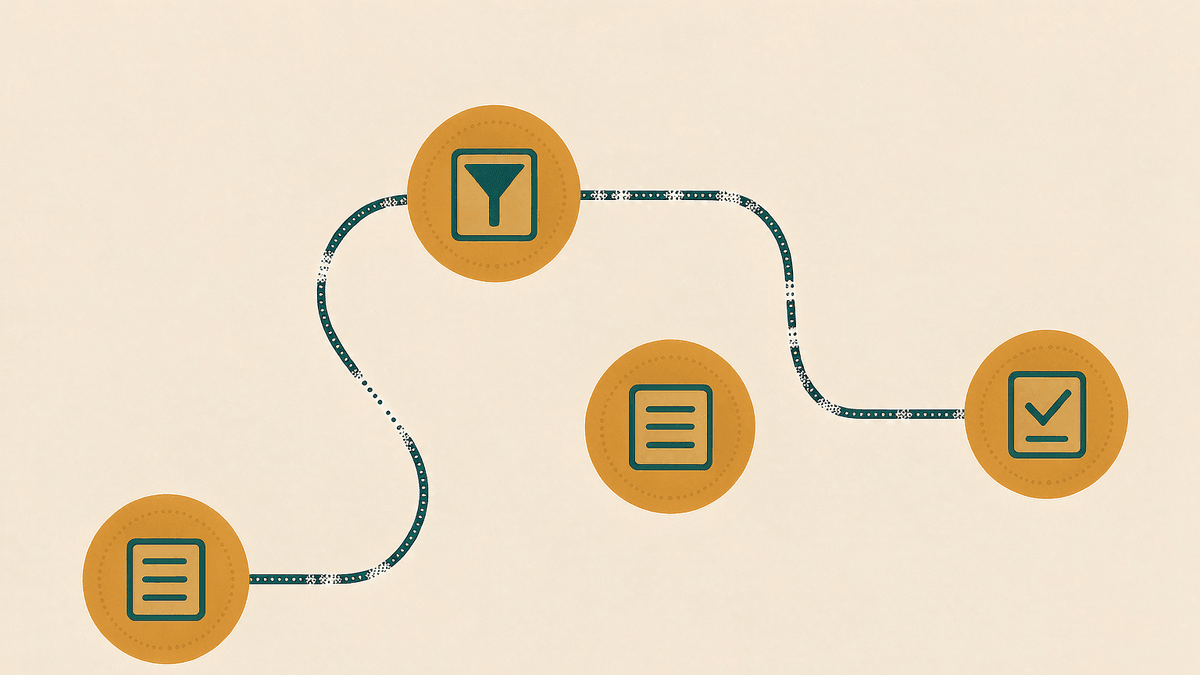
- Inventory (10 min). List every profile, board, sref code, edit preset, and proven prompt with its project tag. One note, four sections.
- Prune (5 min). Delete or archive profiles and boards that have no project behind them. Fewer assets means faster switching-day verification.
- Record (10 min). For each surviving asset, write where it lives (Studio folder, board name, code) and one line on when it last produced approved work. If an asset cannot answer that question, demote it to archive.
- Build the test card (5 min). Pick three proven prompts — one portrait, one product, one typography-heavy — plus one hero frame with two instruction presets. This is your switching-day benchmark pack. For why three briefs, see V9 November status.
Switching day: verification, not migration
When a new version actually appears, run the test card before migrating anything:
- Re-run the three prompts unchanged on the new version. Change the model, not the wording. Score each against the old output side by side.
- Re-run one instruction edit on the hero frame with one preset. Note whether selection behavior, edge handling, or reference adherence changed.
- Load one profile and one board with a known prompt and check whether the taste direction still reads. Compatibility of profiles across versions is unknown until the docs address it — verify, never assume.
- Only then decide the routing rule for the next month: which project types stay on the old version, which move, and what evidence would change your mind.
Write the routing rule down. An undocumented "we'll feel it out" is how teams end up running two versions randomly for a quarter.
What skipping the audit actually costs
Teams that skip this step rarely notice on switch day. The cost shows up two weeks later, in three familiar shapes: a campaign gets re-run on the new version because nobody saved the settings that produced the approved frame; a style board turns out to reference an sref code that was pasted into a chat and never written down; and a client asks which model made the image that was signed off, and no one can answer. Each of those is a small, avoidable loss of an afternoon. Three of them in one quarter is the difference between a calm migration and a messy one.
What this audit does not do
It does not future-proof anything. If V9 changes how profiles, boards, or presets behave, some assets will need rebuilding — the audit's value is that you will know exactly what needs rebuilding instead of discovering it shot by shot. It also does not replace the workflow habits in the folder-parameters checklist; keep checking active settings against the brief regardless of version.
Start in MidassAI Studio
One Studio project folder per client, with profiles, boards, edit presets, and the test card inside, turns a version switch into a 20-minute exercise. Try Midjourney in MidassAI Studio and run the inventory step today — the prune step gets easier when the list exists.