

Midjourney AI · Prompt Guides
AI Image Generation & Editing In Your Browser
Write /imagine prompts with --ar, --style raw, and --v 7. Learn sref and cref workflows — open MidassAI Studio and generate in seconds.
Works in browser Style & character refs Commercial use info
Creators use Midjourney prompts for editorial portraits, product heroes, and stylized concept art on MidassAI Studio.
Prompt atelier / 01
 01
01 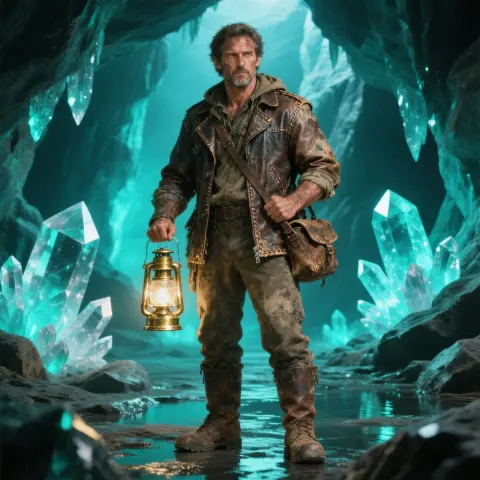 02
02  03
03 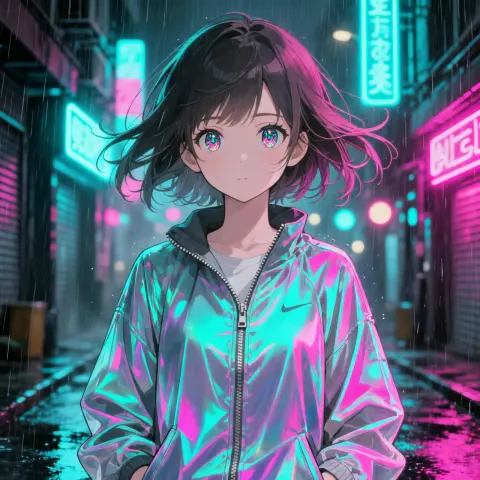 04
04 Generating
/imagine fashion editorial portrait of a woman in a linen trench coat, amber side key light, soft catchlights, visible skin tex…
What you can create
Four Creative Lanes
Pick a workflow — portrait, concept art, product heroes, or stylized characters — then copy a ready-made prompt.

Concept art
Cinematic environments, mood boards, and story-driven visuals.
View prompt →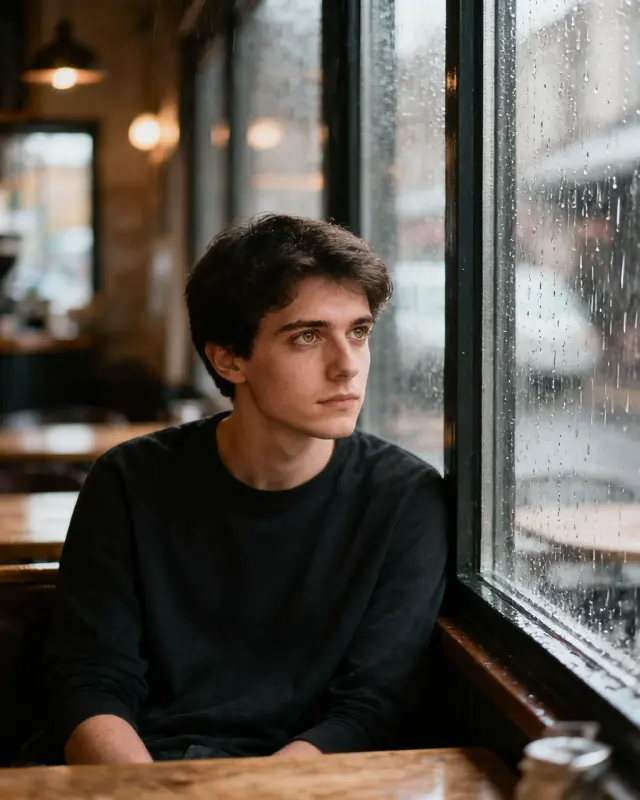
Editorial portrait
Fashion lighting, skin texture, and Style Raw realism.
View prompt →
Product & brand
Clean hero shots and lifestyle composites for ads.
View prompt →
Character & Niji
Anime and stylized characters with consistent faces.
View prompt →Core workflow
Text-to-image with /imagine
Describe the scene in natural language, add parameters, and iterate in MidassAI Studio — no Discord required.
- Natural-language prompts with --ar, --style raw, and --v 7
- Upload references for style (--sref) or character (--cref) consistency
- Download results and refine with follow-up prompts
Live prompt
/imagine cottagecore morning in a wildflower meadow, linen dress figure walking a dirt path, soft golden haze, analog warmth, pastoral photography --ar 3:4 --style raw --v 7
Prompt craft
Prompts & parameters
The flags that change framing, realism, and consistency — copy an example and adjust one parameter at a time.
--ar 3:4 Aspect ratio
Portrait, landscape, or square framing
--style raw Style Raw
Photoreal tier with finer texture
--sref URL Style reference
Anchor look & color from a reference image
--cref URL Character reference
Lock face and outfit across shots
--v 7 Model version
Default V7 quality baseline

Cottagecore Meadow Morning
Soft morning light over a wildflower meadow.
/imagine cottagecore morning in a wildflower meadow, linen dress figure walking a dirt path, soft golden haze, analog warmth, pastoral photography --ar 3:4 --style raw --v 7
Why Midjourney AI
Built for prompt-first creators
Prompt-first
/imagine workflow with copy-ready examples on every page.
Style Raw · V7
Photoreal tier for editorial portraits and product heroes.
sref & cref
Style and character references for repeatable looks.
Browser Studio
24 Studio UI languages — generate without a separate install.
Gallery
Midjourney prompt showcase
Copy a workflow below and paste it into Studio — each example includes parameters you can tweak.


Learn
From First Prompt to Pro Workflow
Follow numbered tutorials, then dive into prompt guides on the blog.
Tutorial path
Browse all tutorials →- 01
Midjourney 完全ガイド:コマンドと高品質画像生成のステップバイステップ
Midjourney 完全チュートリアルでマスターしよう。ログイン、プロンプト、パラメータ、編集を学び、Web と Discord でスタジオグレードの AI 画像を作成できます。
- 02
Midjourney スタイル&キーワード指南書 – 55+ プロンプトガイド
芸術スタイル、媒体、テクスチャを網羅したチートシートで Midjourney プロンプトをマスター。キーワードを自由に組み合わせて、一貫性のある AI アート生成を実現します。
- 03
Midjourney プロンプト基礎ガイド:説明から傑作まで
/imagine コマンドの構造、重み付け、ネガティブプロンプトを完全習得。MidassAI Studio で Midjourney V7 のワークフローを効率よく学びましょう。
- 04
【Midjourney】Stylize と Sref で一貫した画風を作る完全ガイド
Midjourney の stylize と sref パラメータを使い、スタイルの強度や美学を制御。再利用可能な視覚的な指紋を構築し、ブランドやプロジェクト全体で統一感のある AI アートを制作しましょう。
- 05
Midjourney 画像修正術:インペインティング・アウトペインティング活用ガイド
Midjourney の「Vary Region」や「Zoom/Pan」を駆使し、惜しい画像を実用可能な最終草案へ効率的に変える戦略を解説。プロ級の画像修正ワークフローを習得しましょう。
Latest guides
Browse all posts →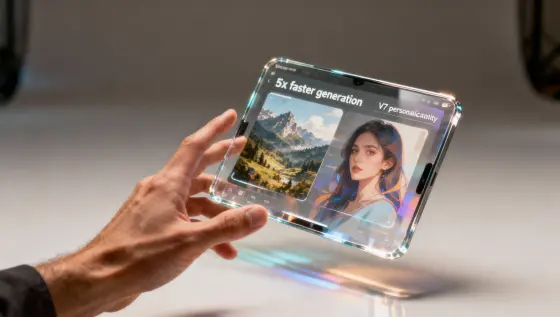
Midjourney V8 リリース:生成速度 5 倍向上と V7 パーソナライゼーション継承
Midjourney V8 が登場。画像生成が大幅に高速化し、V7 のパーソナライゼーション機能も継続利用可能です。V8 の主な機能、プロンプト技巧、キーワード、ワークフロー移行方法を解説します。
Midjourney AI Team · 2026年7月23日
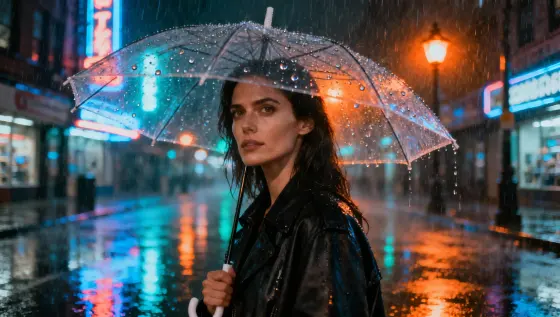
Midjourney V7 オープンベータ公開:アクセス方法とガイド
Midjourney V7 オープンベータのアクセス方法、Discord/Web 使い方、プロンプトとキーワードの quick start。テスト期間中の注意点も解説。
Midjourney AI Team · 2026年7月23日
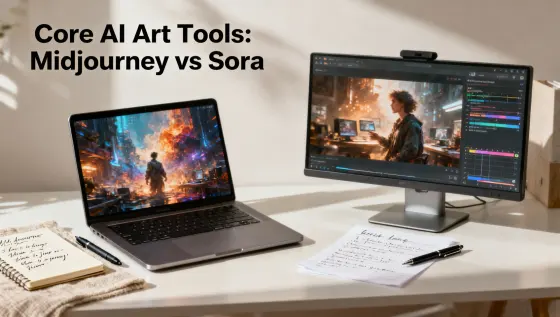
主要 AI アートツール:Midjourney vs Sora 比較
Midjourney と Sora の技術比較。役割、ワークフロー、プロンプト解説。プロジェクトに最適なツールを選ぶための指南書。
Midjourney AI Team · 2026年7月23日
MidassAI Studio
Start Creating in Your Browser
Open Midjourney Studio — upload references, paste prompts, and download results without a separate install.
From $9/month · Browser-based · 24 Studio UI languages
Start Creating NowCommon Questions
Quick answers before your first Midjourney session
What is Midjourney?
Midjourney is a text-to-image workflow built around /imagine prompts, style parameters, and reference images — run it in MidassAI Studio from your browser.
How do I start creating?
Click Start Creating Now — MidassAI Studio Midjourney opens in your locale. Paste a prompt or upload a reference; no separate app install.
Which languages are supported?
Studio UI supports major locales. This site ships copy in 24 languages; prompt examples on the homepage use English, Simplified Chinese, or Traditional Chinese.
What is Midjourney Pro?
Pro is the higher tier for sharper text, stronger consistency, and larger output — use it when you need commercial-grade refinement.
Is this an official Midjourney site?
No. We publish independent guides and link you to MidassAI Studio. For Midjourney’s official product, visit midjourney.com.