

Midjourney AI · Prompt Guides
AI Image Generation & Editing In Your Browser
Write /imagine prompts with --ar, --style raw, and --v 7. Learn sref and cref workflows — open MidassAI Studio and generate in seconds.
Works in browser Style & character refs Commercial use info
Creators use Midjourney prompts for editorial portraits, product heroes, and stylized concept art on MidassAI Studio.
Prompt atelier / 01
 01
01 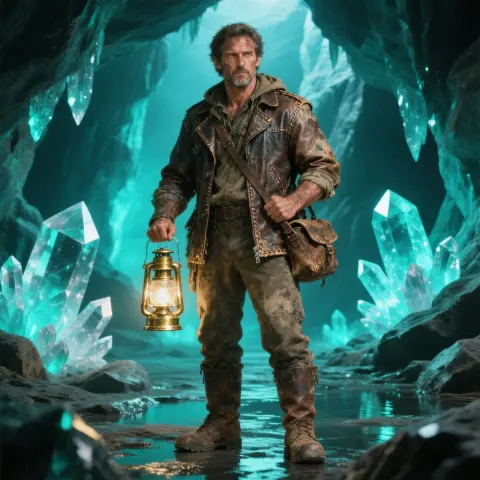 02
02  03
03 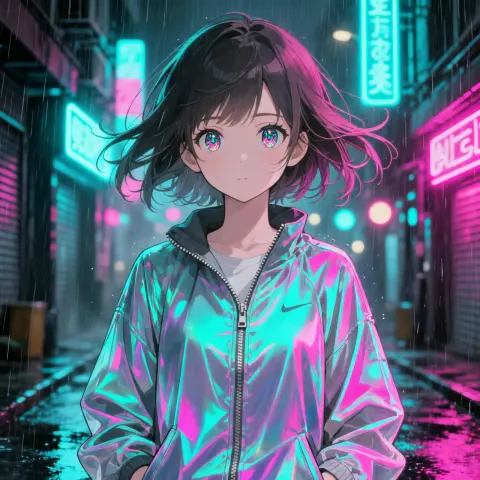 04
04 Generating
/imagine fashion editorial portrait of a woman in a linen trench coat, amber side key light, soft catchlights, visible skin tex…
What you can create
Four Creative Lanes
Pick a workflow — portrait, concept art, product heroes, or stylized characters — then copy a ready-made prompt.

Concept art
Cinematic environments, mood boards, and story-driven visuals.
View prompt →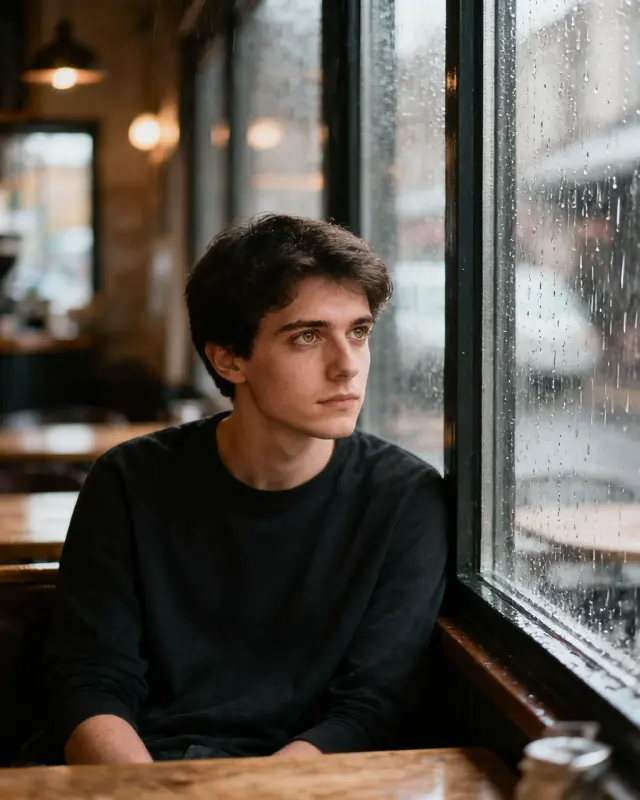
Editorial portrait
Fashion lighting, skin texture, and Style Raw realism.
View prompt →
Product & brand
Clean hero shots and lifestyle composites for ads.
View prompt →
Character & Niji
Anime and stylized characters with consistent faces.
View prompt →Core workflow
Text-to-image with /imagine
Describe the scene in natural language, add parameters, and iterate in MidassAI Studio — no Discord required.
- Natural-language prompts with --ar, --style raw, and --v 7
- Upload references for style (--sref) or character (--cref) consistency
- Download results and refine with follow-up prompts
Live prompt
/imagine cottagecore morning in a wildflower meadow, linen dress figure walking a dirt path, soft golden haze, analog warmth, pastoral photography --ar 3:4 --style raw --v 7
Prompt craft
Prompts & parameters
The flags that change framing, realism, and consistency — copy an example and adjust one parameter at a time.
--ar 3:4 Aspect ratio
Portrait, landscape, or square framing
--style raw Style Raw
Photoreal tier with finer texture
--sref URL Style reference
Anchor look & color from a reference image
--cref URL Character reference
Lock face and outfit across shots
--v 7 Model version
Default V7 quality baseline

Cottagecore Meadow Morning
Soft morning light over a wildflower meadow.
/imagine cottagecore morning in a wildflower meadow, linen dress figure walking a dirt path, soft golden haze, analog warmth, pastoral photography --ar 3:4 --style raw --v 7
Why Midjourney AI
Built for prompt-first creators
Prompt-first
/imagine workflow with copy-ready examples on every page.
Style Raw · V7
Photoreal tier for editorial portraits and product heroes.
sref & cref
Style and character references for repeatable looks.
Browser Studio
24 Studio UI languages — generate without a separate install.
Gallery
Midjourney prompt showcase
Copy a workflow below and paste it into Studio — each example includes parameters you can tweak.


Learn
From First Prompt to Pro Workflow
Follow numbered tutorials, then dive into prompt guides on the blog.
Tutorial path
Browse all tutorials →- 01
Hướng Dẫn Midjourney: Lệnh & Tạo Ảnh Chất Lượng Cao
Làm chủ Midjourney qua hướng dẫn toàn tập. Học đăng nhập, viết prompt, tham số và chỉnh sửa để tạo ảnh AI chuẩn studio trên web và Discord.
- 02
Cheat Sheet Phong Cách Midjourney & 55+ Từ Khóa Prompt
Làm chủ prompt Midjourney với cheat sheet phong cách, chất liệu và kết cấu. Kết hợp từ khóa tự do để tạo AI art nhất quán.
- 03
Hướng Dẫn Prompt Midjourney Cơ Bản: Từ Mô Tả Đến Kiệt Tác
Thành thạo cấu trúc /imagine, trọng số và prompt âm. Học quy trình Midjourney V7 nhanh chóng trên MidassAI Studio.
- 04
Làm Chủ Stylize và Sref Midjourney Để Có Phong Cách Nhất Quán
Kiểm soát cường độ phong cách Midjourney qua tham số stylize và sref. Xây dựng dấu ấn thị giác tái sử dụng cho dự án AI art chuyên nghiệp.
- 05
Thành Thạo Inpainting và Outpainting Midjourney: Hướng Dẫn
Học chiến lược vùng biến thể và outpainting Midjourney để biến ảnh gần hoàn hảo thành bản cuối dùng được. Tiết kiệm credit, thời gian và nâng cao chất lượng.
Latest guides
Browse all posts →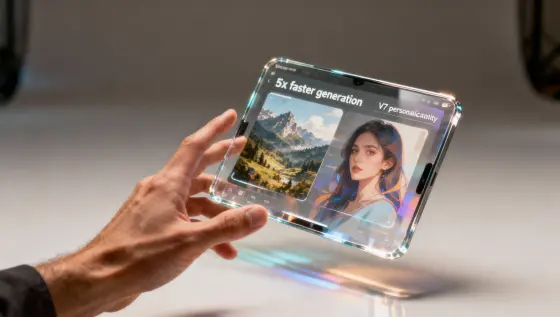
Midjourney V8: Tạo Ảnh Nhanh 5 Lần, Giữ Cá Nhân Hóa V7
Midjourney V8 chính thức ra mắt: tốc độ tạo ảnh nhanh hơn và tương thích cá nhân hóa V7. Tìm hiểu tính năng nổi bật, câu lệnh Midjourney và cách chuyển đổi quy trình làm việc.
Midjourney AI Team · 23 tháng 7, 2026
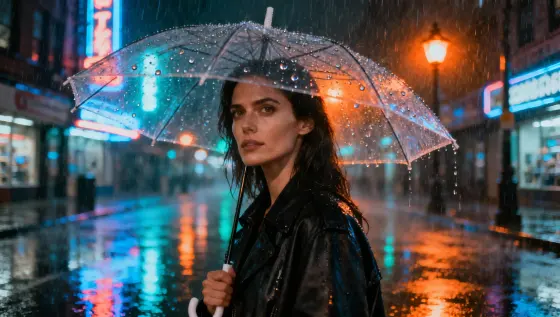
Midjourney V7 Beta Mở: Hướng Dẫn Truy Cập & Sử Dụng
Hướng dẫn truy cập Midjourney V7 beta: Discord/Web, cách dùng prompt và từ khóa. Lưu ý quan trọng trong giai đoạn thử nghiệm.
Midjourney AI Team · 23 tháng 7, 2026
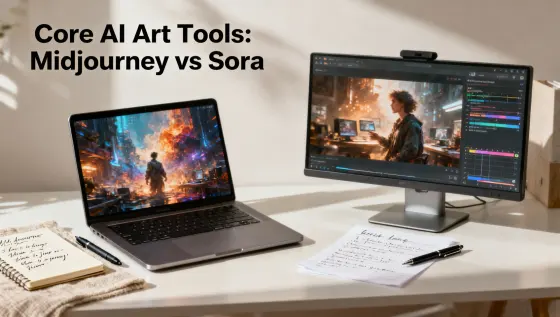
So Sánh Midjourney vs Sora: Công Cụ AI Art Tối Ưu
So sánh kỹ thuật Midjourney và Sora: vai trò, quy trình, prompt và cách chọn công cụ phù hợp cho dự án của bạn.
Midjourney AI Team · 23 tháng 7, 2026
MidassAI Studio
Start Creating in Your Browser
Open Midjourney Studio — upload references, paste prompts, and download results without a separate install.
From $9/month · Browser-based · 24 Studio UI languages
Start Creating NowCommon Questions
Quick answers before your first Midjourney session
What is Midjourney?
Midjourney is a text-to-image workflow built around /imagine prompts, style parameters, and reference images — run it in MidassAI Studio from your browser.
How do I start creating?
Click Start Creating Now — MidassAI Studio Midjourney opens in your locale. Paste a prompt or upload a reference; no separate app install.
Which languages are supported?
Studio UI supports major locales. This site ships copy in 24 languages; prompt examples on the homepage use English, Simplified Chinese, or Traditional Chinese.
What is Midjourney Pro?
Pro is the higher tier for sharper text, stronger consistency, and larger output — use it when you need commercial-grade refinement.
Is this an official Midjourney site?
No. We publish independent guides and link you to MidassAI Studio. For Midjourney’s official product, visit midjourney.com.