

Midjourney AI · Prompt Guides
AI Image Generation & Editing In Your Browser
Write /imagine prompts with --ar, --style raw, and --v 7. Learn sref and cref workflows — open MidassAI Studio and generate in seconds.
Works in browser Style & character refs Commercial use info
Creators use Midjourney prompts for editorial portraits, product heroes, and stylized concept art on MidassAI Studio.
Prompt atelier / 01
 01
01 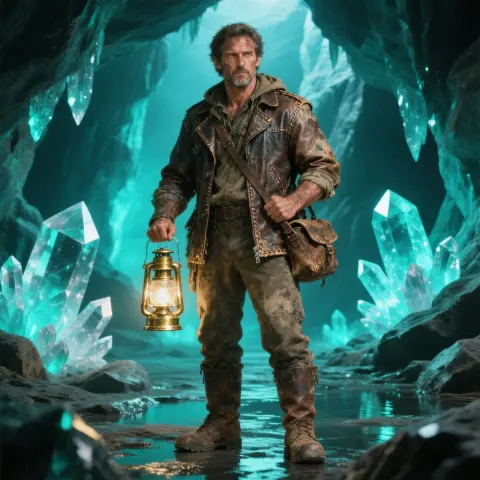 02
02  03
03 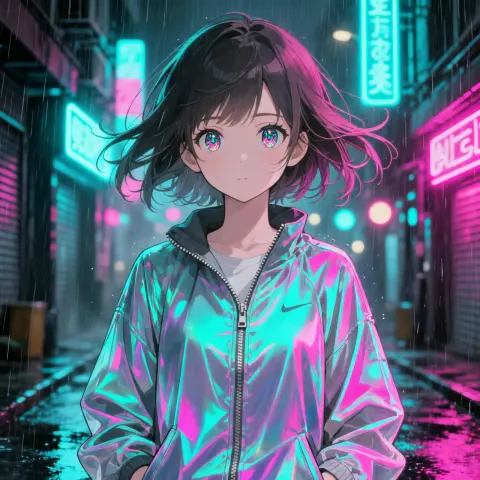 04
04 Generating
/imagine fashion editorial portrait of a woman in a linen trench coat, amber side key light, soft catchlights, visible skin tex…
What you can create
Four Creative Lanes
Pick a workflow — portrait, concept art, product heroes, or stylized characters — then copy a ready-made prompt.

Concept art
Cinematic environments, mood boards, and story-driven visuals.
View prompt →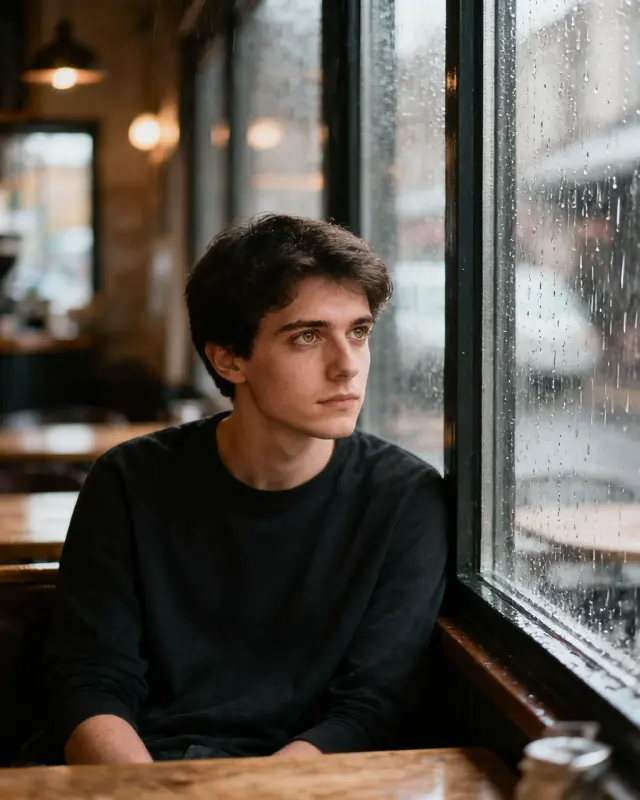
Editorial portrait
Fashion lighting, skin texture, and Style Raw realism.
View prompt →
Product & brand
Clean hero shots and lifestyle composites for ads.
View prompt →
Character & Niji
Anime and stylized characters with consistent faces.
View prompt →Core workflow
Text-to-image with /imagine
Describe the scene in natural language, add parameters, and iterate in MidassAI Studio — no Discord required.
- Natural-language prompts with --ar, --style raw, and --v 7
- Upload references for style (--sref) or character (--cref) consistency
- Download results and refine with follow-up prompts
Live prompt
/imagine cottagecore morning in a wildflower meadow, linen dress figure walking a dirt path, soft golden haze, analog warmth, pastoral photography --ar 3:4 --style raw --v 7
Prompt craft
Prompts & parameters
The flags that change framing, realism, and consistency — copy an example and adjust one parameter at a time.
--ar 3:4 Aspect ratio
Portrait, landscape, or square framing
--style raw Style Raw
Photoreal tier with finer texture
--sref URL Style reference
Anchor look & color from a reference image
--cref URL Character reference
Lock face and outfit across shots
--v 7 Model version
Default V7 quality baseline

Cottagecore Meadow Morning
Soft morning light over a wildflower meadow.
/imagine cottagecore morning in a wildflower meadow, linen dress figure walking a dirt path, soft golden haze, analog warmth, pastoral photography --ar 3:4 --style raw --v 7
Why Midjourney AI
Built for prompt-first creators
Prompt-first
/imagine workflow with copy-ready examples on every page.
Style Raw · V7
Photoreal tier for editorial portraits and product heroes.
sref & cref
Style and character references for repeatable looks.
Browser Studio
24 Studio UI languages — generate without a separate install.
Gallery
Midjourney prompt showcase
Copy a workflow below and paste it into Studio — each example includes parameters you can tweak.


Learn
From First Prompt to Pro Workflow
Follow numbered tutorials, then dive into prompt guides on the blog.
Tutorial path
Browse all tutorials →- 01
คู่มือ Midjourney ทีละขั้นตอน: คำสั่งและสร้างภาพคุณภาพสูง
เรียนรู้วิธีใช้ Midjourney อย่างเชี่ยวชาญ ตั้งแต่การล็อกอิน เขียน Prompt ตั้งค่าพารามิเตอร์ จนได้ภาพระดับสตูดิโอทั้งบนเว็บและ Discord
- 02
คู่มือคำสั่ง Midjourney และสไตล์ศิลปะ – 55+ คำสำคัญ
เชี่ยวชาญคำสั่ง Midjourney ด้วยคู่มือครอบคลุมสไตล์ศิลปะ สื่อ และพื้นผิว ผสมคำสำคัญได้อย่างอิสระเพื่อสร้างภาพ AI ที่สม่ำเสมอ
- 03
คู่มือเขียน Prompt Midjourney พื้นฐาน: สร้างรูปสวยระดับมืออาชีพ
เรียนรู้โครงสร้าง /imagine, การกำหนดน้ำหนัก และ negative prompts. ทำงานกับ Midjourney V7 ได้รวดเร็วภายใน MidassAI Studio
- 04
ควบคุมสไตล์ Midjourney ให้สม่ำเสมอด้วย Stylize และ Sref
ควบคุมความเข้มของสไตล์และจุดยึดทางศิลปะใน Midjourney ด้วยพารามิเตอร์ stylize และ sref เพื่อสร้างเอกลักษณ์ทางภาพที่นำมาใช้ซ้ำได้
- 05
คู่มือ Midjourney Inpainting และ Outpainting แก้รูปให้เป๊ะ
เรียนรู้กลยุทธ์ Region Variation และ Outpainting ใน Midjourney เปลี่ยนรูปภาพที่เกือบสมบูรณ์ให้พร้อมใช้งานได้อย่างมีประสิทธิภาพ ประหยัดเครดิตและเวลา
Latest guides
Browse all posts →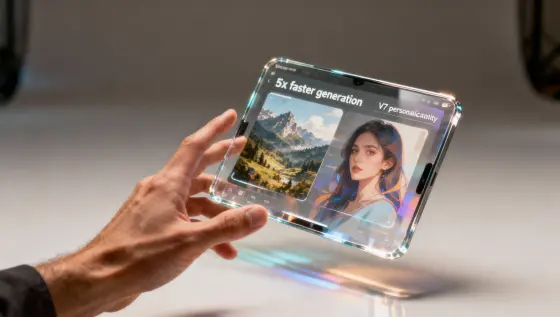
Midjourney V8 เปิดตัว: สร้างภาพเร็ว 5 เท่า และใช้ Personalization แบบ V7
Midjourney V8 มาแล้ว: สร้างภาพเร็วขึ้นและต่อเนื่องกับ V7 personalization เรียนรู้จุดเด่น V8, คำสั่ง Midjourney และวิธีย้ายระบบ workflow
Midjourney AI Team · 23 กรกฎาคม 2569
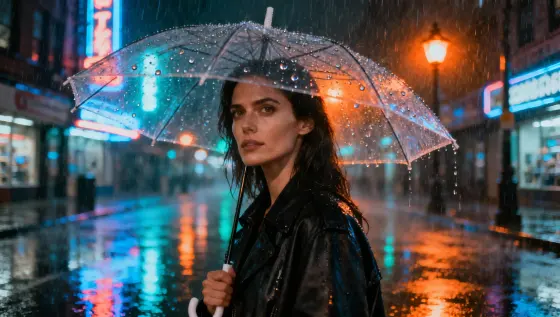
Midjourney V7 เบต้าเปิดแล้ว: วิธีเข้าถึงและคู่มือใช้งาน
Midjourney V7 เบต้าเปิดกว้าง: วิธีเข้าถึงผ่าน Discord/Web เริ่มใช้พรอมต์และคีย์เวิร์ด ข้อควรระวังช่วงทดสอบ
Midjourney AI Team · 23 กรกฎาคม 2569
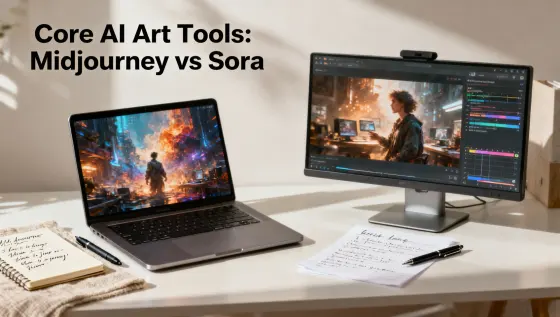
Midjourney vs Sora: เลือกเครื่องมือ AI Art ให้เหมาะกับงาน
เปรียบเทียบเชิงเทคนิค Midjourney vs Sora: บทบาท, workflow, prompt และวิธีเลือกเครื่องมือให้เหมาะกับโปรเจกต์ของคุณ
Midjourney AI Team · 23 กรกฎาคม 2569
MidassAI Studio
Start Creating in Your Browser
Open Midjourney Studio — upload references, paste prompts, and download results without a separate install.
From $9/month · Browser-based · 24 Studio UI languages
Start Creating NowCommon Questions
Quick answers before your first Midjourney session
What is Midjourney?
Midjourney is a text-to-image workflow built around /imagine prompts, style parameters, and reference images — run it in MidassAI Studio from your browser.
How do I start creating?
Click Start Creating Now — MidassAI Studio Midjourney opens in your locale. Paste a prompt or upload a reference; no separate app install.
Which languages are supported?
Studio UI supports major locales. This site ships copy in 24 languages; prompt examples on the homepage use English, Simplified Chinese, or Traditional Chinese.
What is Midjourney Pro?
Pro is the higher tier for sharper text, stronger consistency, and larger output — use it when you need commercial-grade refinement.
Is this an official Midjourney site?
No. We publish independent guides and link you to MidassAI Studio. For Midjourney’s official product, visit midjourney.com.